
- Features
- Solutions
- Pricing
- Resources
QR code generator
Make branded QR codes you can edit and track
Pick a template, add your logo and colors, download PNG, SVG or PDF, and change the destination any time without reprinting.






Create a Link QR Code
Create an account to access advanced QR code features.
Create a Bio Link QR Code
Create an account to access advanced QR code features.
Create a Phone QR Code
Create an account to access advanced QR code features.
Create a Email QR Code
Create an account to access advanced QR code features.
Create a SMS QR Code
Create an account to access advanced QR code features.
Create a vCard QR Code
Create an account to access advanced QR code features.
Create a WiFi QR Code
Create an account to access advanced QR code features.
Create a Text QR Code
Create an account to access advanced QR code features.
Trusted by 350,000+ marketers and agencies
Make a branded QR code in 3 steps
No design skills needed. Your first 10 QR codes are free, and every one is tracked from the first scan.
1. Choose what it opens
Pick from about 25 content types: a website, a Bio Links page, a vCard, WiFi login, a PDF, an app store listing, a Google review or map, or a social or payment app.
2. Make it look like your brand
Start from one of 24 templates, then change the shapes and colors, pick one of 5 frames and, on Scale and Agency, add your logo.
3. Download, print and track
Sign up free, download PNG, JPEG, SVG or PDF, and put the code on print, packaging or screens. Every scan shows up in your analytics.
About 25 kinds of QR code in one generator
Point a code at a website, a Bio Links page, a vCard, WiFi login, a PDF, an app store listing, a Google review or map, or apps like WhatsApp, Instagram, Spotify, PayPal and Venmo. Website, short link and Bio Links codes come with every plan; the other types start on Essentials.
Every code is dynamic, so you print once
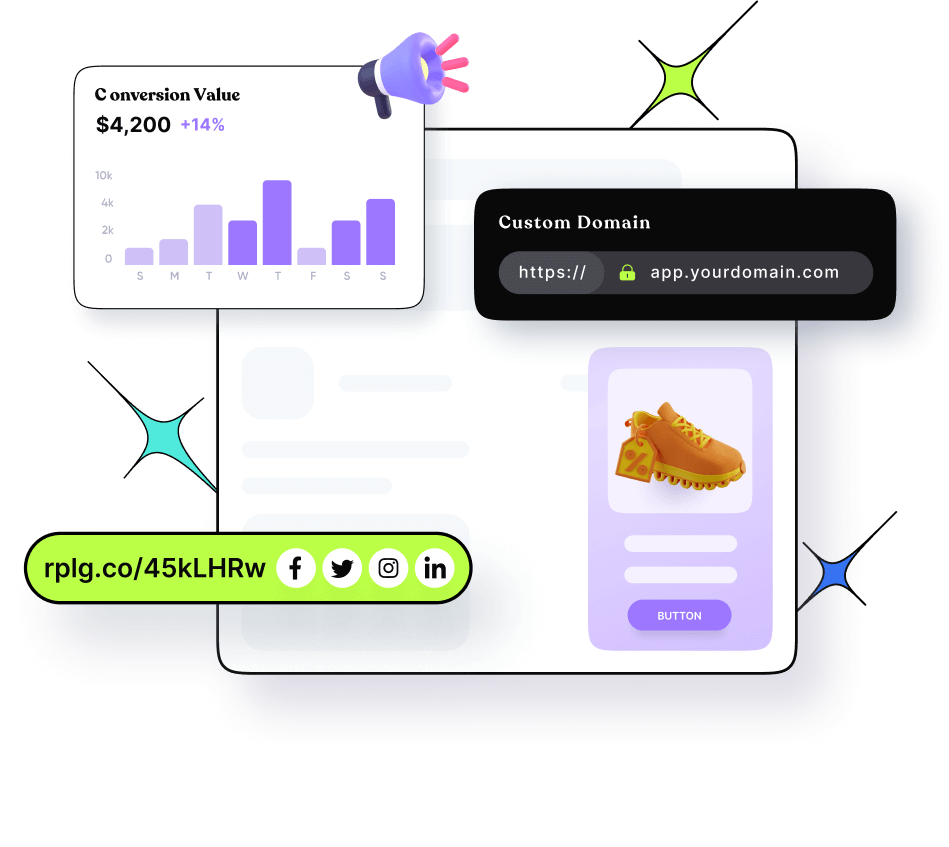
Each Replug QR code runs through a branded short link, on your own domain if you add one. That is what lets you track every scan and, on Scale and Agency, send a printed code to a new page without reprinting it.
Start from 24 templates, then make it yours
Templates for contact cards, menus, reviews, event posters, WiFi, app downloads and more set the content type and the look in one click. Then change the dot shapes, corners and colors, and add one of 5 frames.
Put your logo in the middle
On Scale and Agency, upload your logo, place it in the center of the code and match the colors to your brand, so people can tell who a code is from before they scan it.
See where and when people scan
Every scan is tracked: scans and unique scans over time, by country, city, device, OS and browser. On Scale and Agency, GPS tracking puts scans on a map when visitors agree to share their location. Use it to measure each campaign and decide where to print next.
Retarget the people who scan
Add your retargeting pixels to a QR code and they fire on every scan, so you can build audiences on Meta, Google, LinkedIn, X, TikTok and Pinterest and reach those people with ads later. Essentials includes one pixel; Scale and Agency have no limit.
Create QR codes for everything you share
More than a QR code maker
Plan limits, print files, frames, your own domain, safety checks and teamwork, in the same dashboard as your short links and Bio Links.
QR codes on every plan
Make 10 QR codes on the Free plan, 100 on Essentials and as many as you need on Scale and Agency.
Print-ready downloads
Download PNG or JPEG for screens and SVG or PDF for print, so codes stay sharp on packaging, posters and signs.
5 frames to choose from
Put the code in a frame so it stands out on a poster, a table tent or a screen and people know to scan it.
On your own domain
Codes run through short links on your branded domain, so the link a phone shows when it scans carries your name.
Destinations checked for safety
New links are checked against Google Safe Browsing, PhishTank and VirusTotal to help keep people who scan away from known scam and malware pages.
Built for teams and agencies
Invite teammates as Administrators, Collaborators or Guests and keep each brand's or client's codes in its own workspace.